Named snippets
Create named text snippets with optional keyboard shortcuts.
An Intenteon product
Type it once. Paste it anywhere.
We all type the same things over and over: an email sign-off, a meeting link, an address, the answer to a question we get every week. SnipDash keeps that text in your Mac’s menu bar, so you paste it with a shortcut instead of typing it again.
Available now for Mac as a direct download or through Homebrew.
Or install with Homebrew: brew install --cask intenteon/tap/snipdash
Version 1.4.1 · Release notes
SnipDash
Repeated text eats time in small pieces. You retype it, hunt through old emails for it, or paste the wrong version.
Save the text once as a named snippet. Give the ones you use most a keyboard shortcut. Press the shortcut while you’re typing, and SnipDash pastes the snippet for you.
Good for
Open SnipDash from your menu bar, add a snippet and give it a name.
Add a keyboard shortcut to the snippets you use most.
Press the shortcut while you’re typing and SnipDash pastes the text for you (the first time, macOS asks you to allow it). Or open the menu bar and pick a snippet.
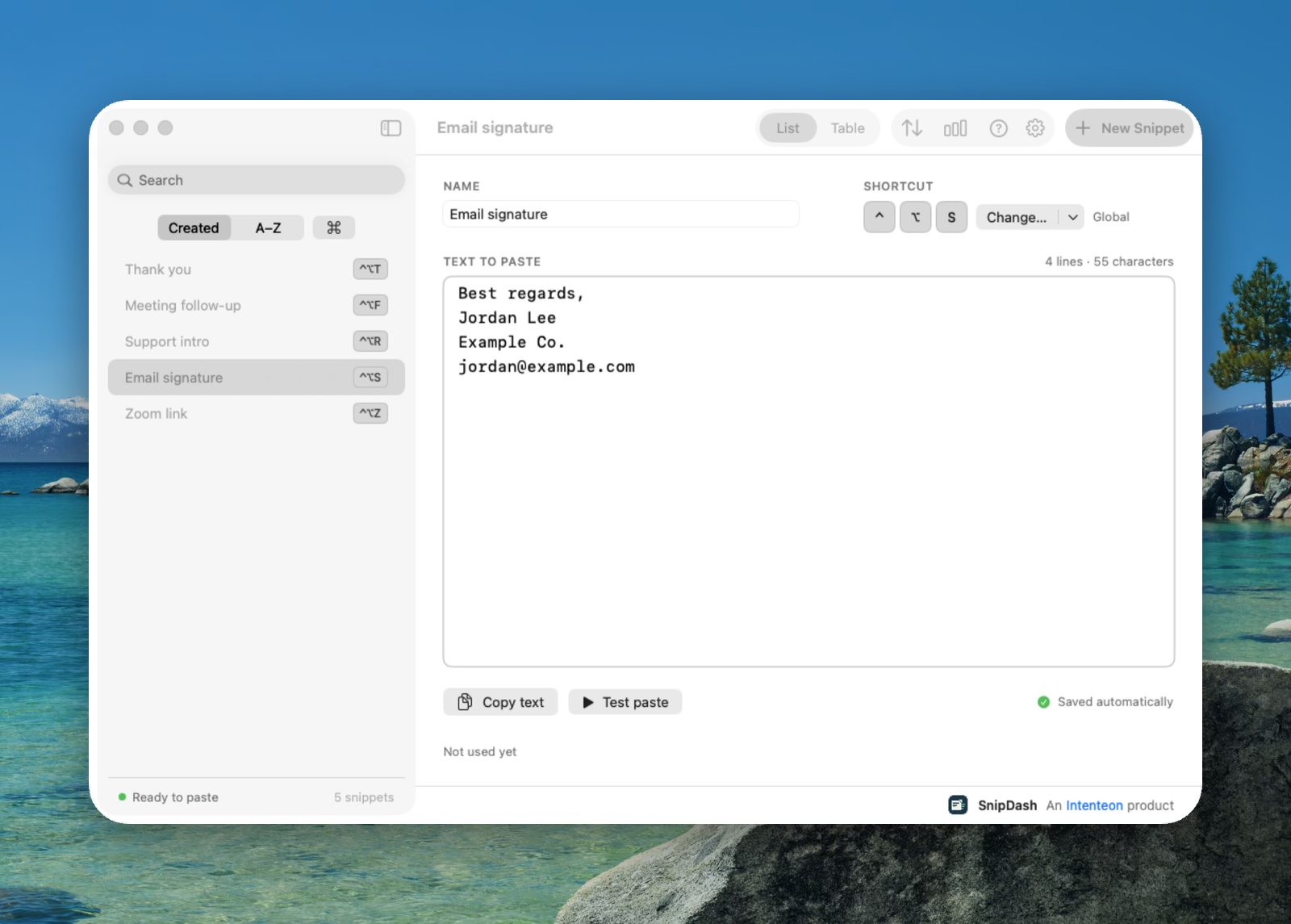
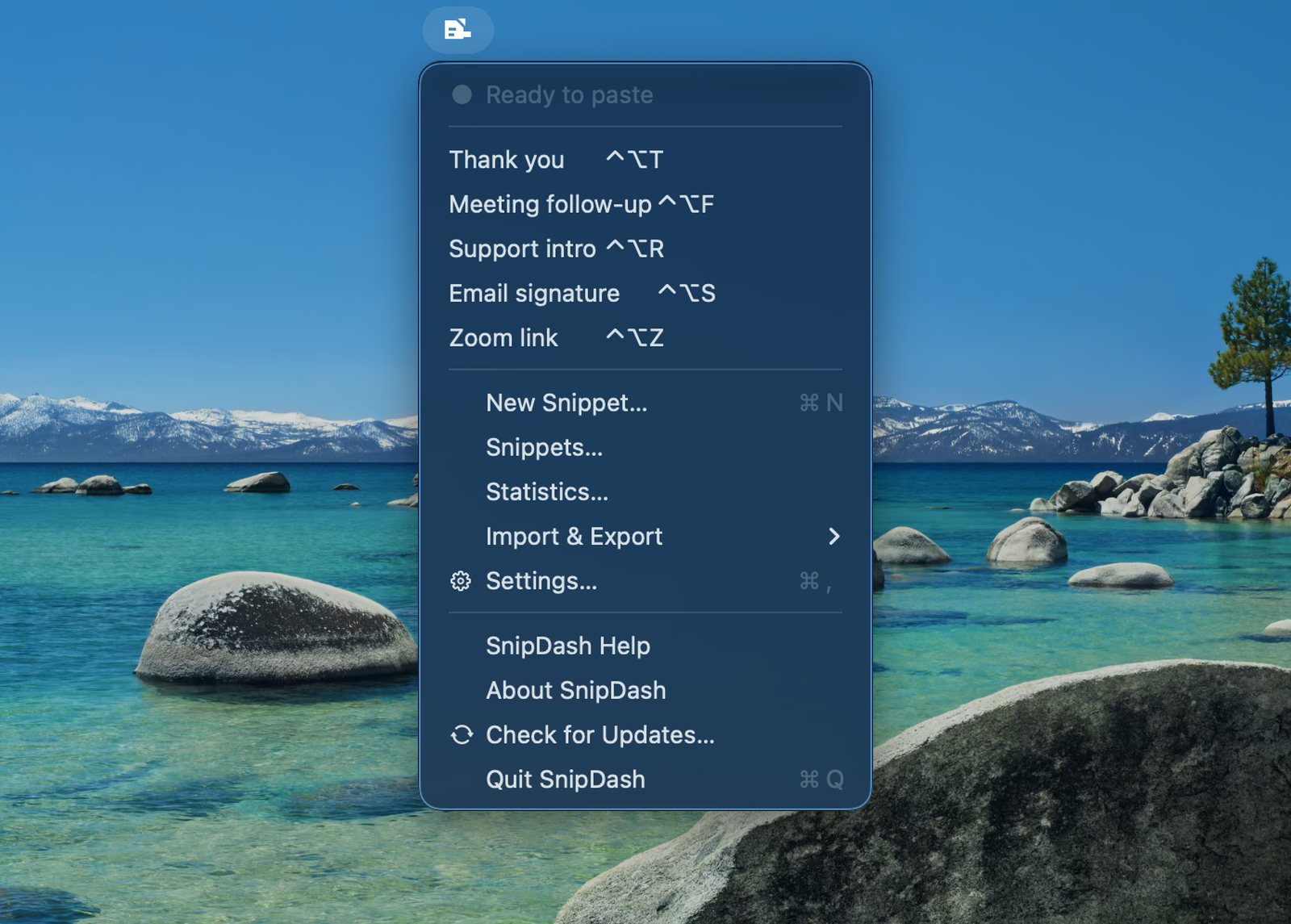
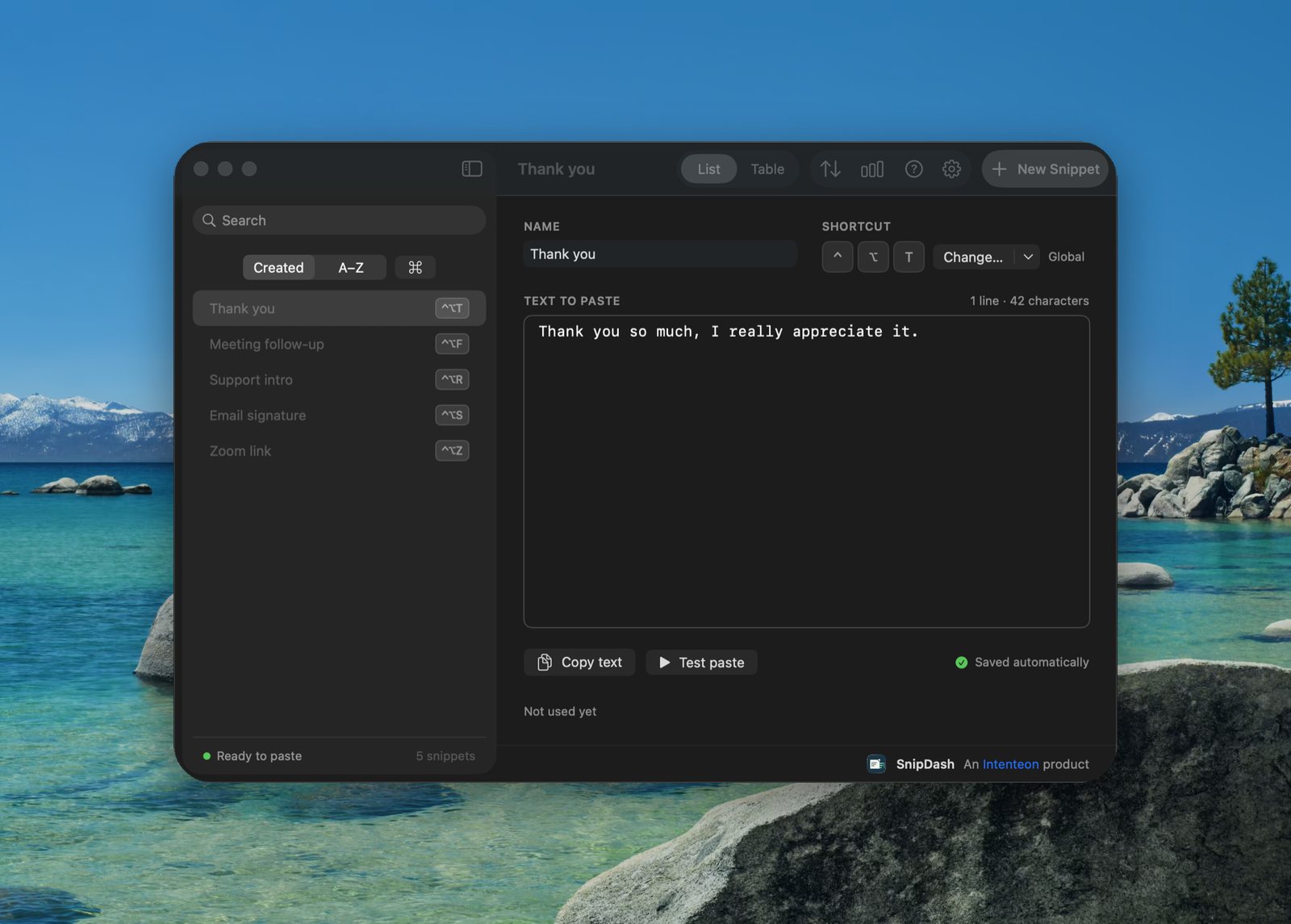
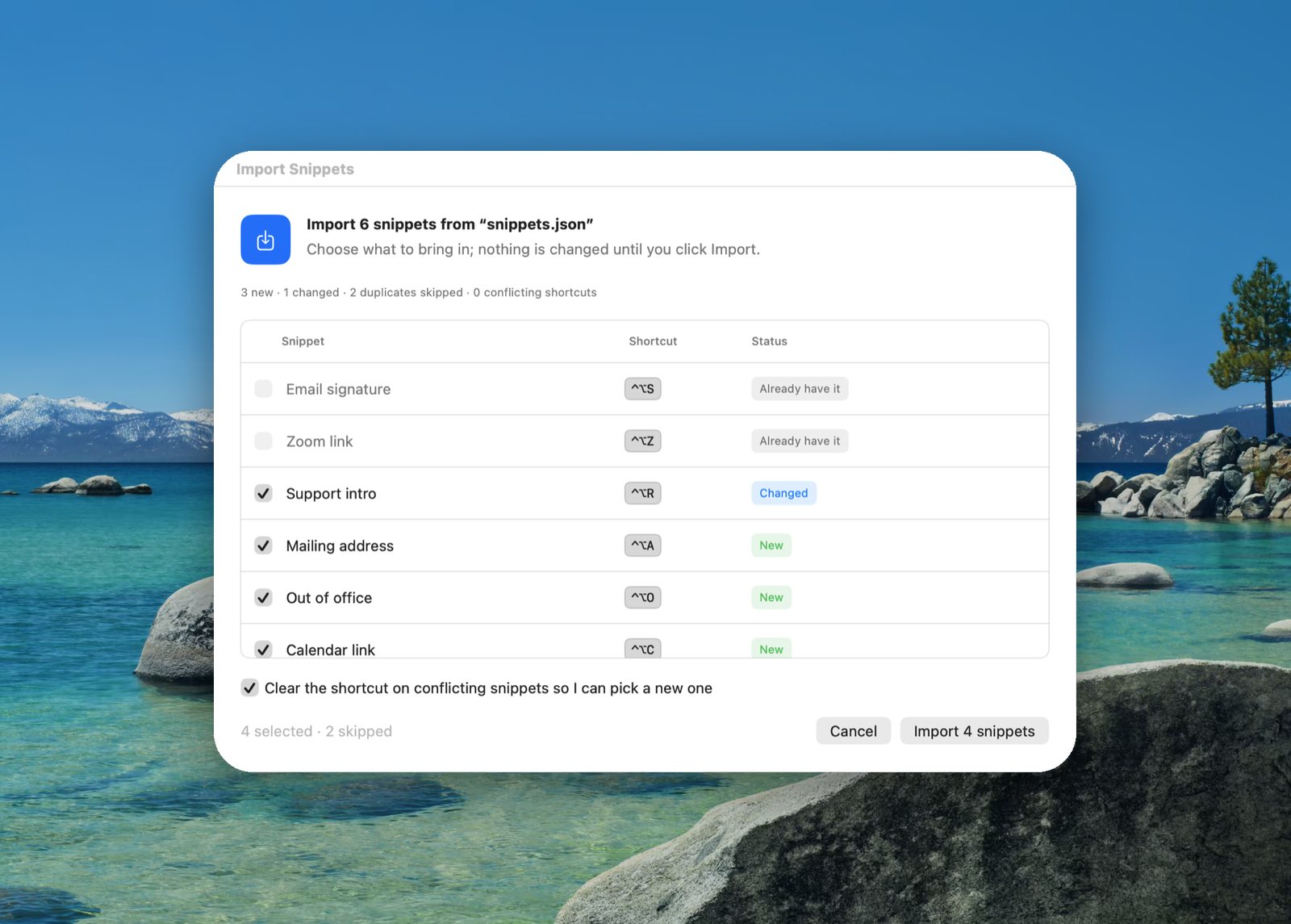
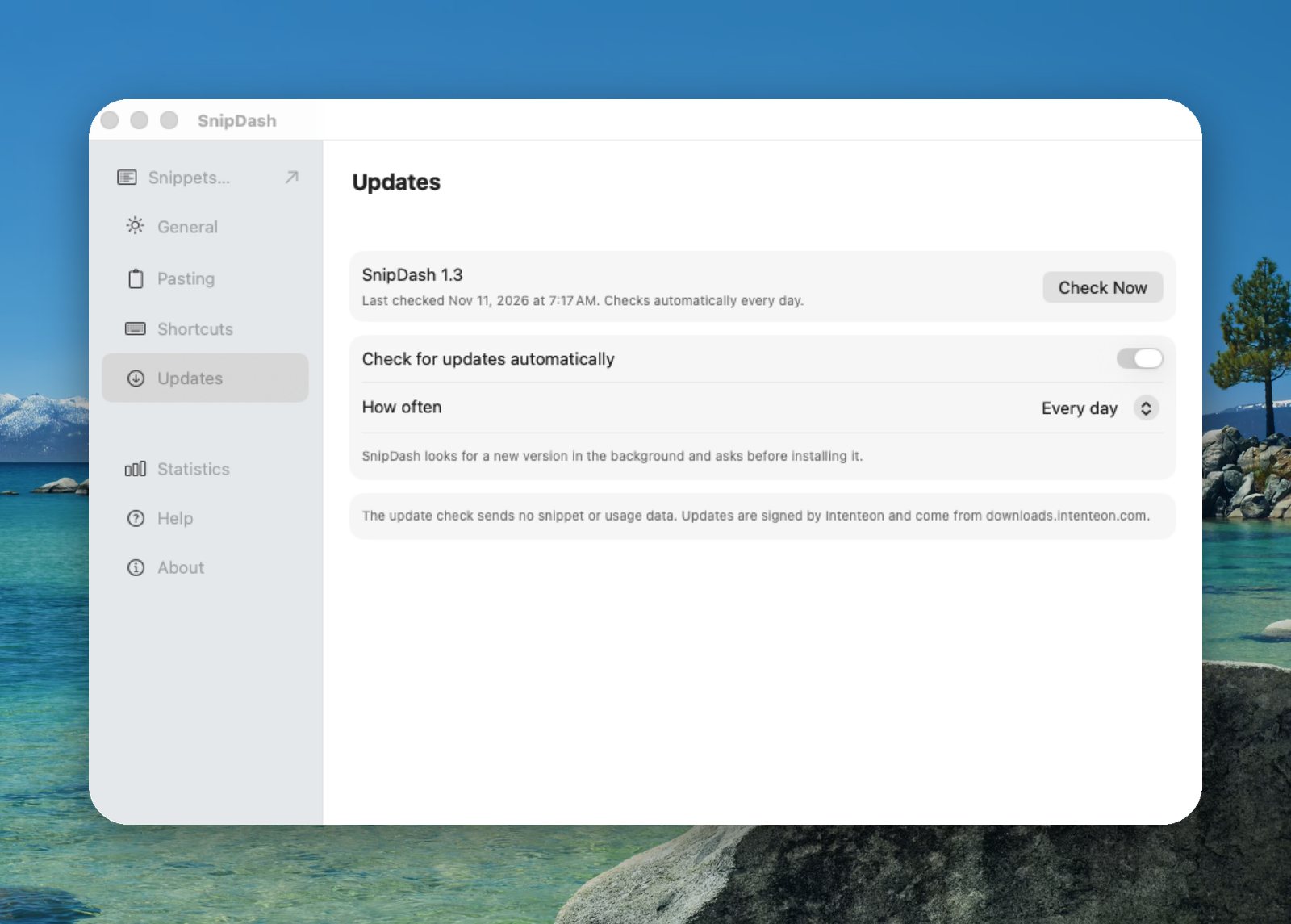
Create named text snippets with optional keyboard shortcuts.
Paste snippets with Accessibility permission, or copy them to the clipboard to paste yourself. SnipDash asks for that permission only so it can press ⌘V for you.
Snippets are stored only on your Mac. No account and no sync.
An Intenteon product. Back to All Solutions